


Project Detail
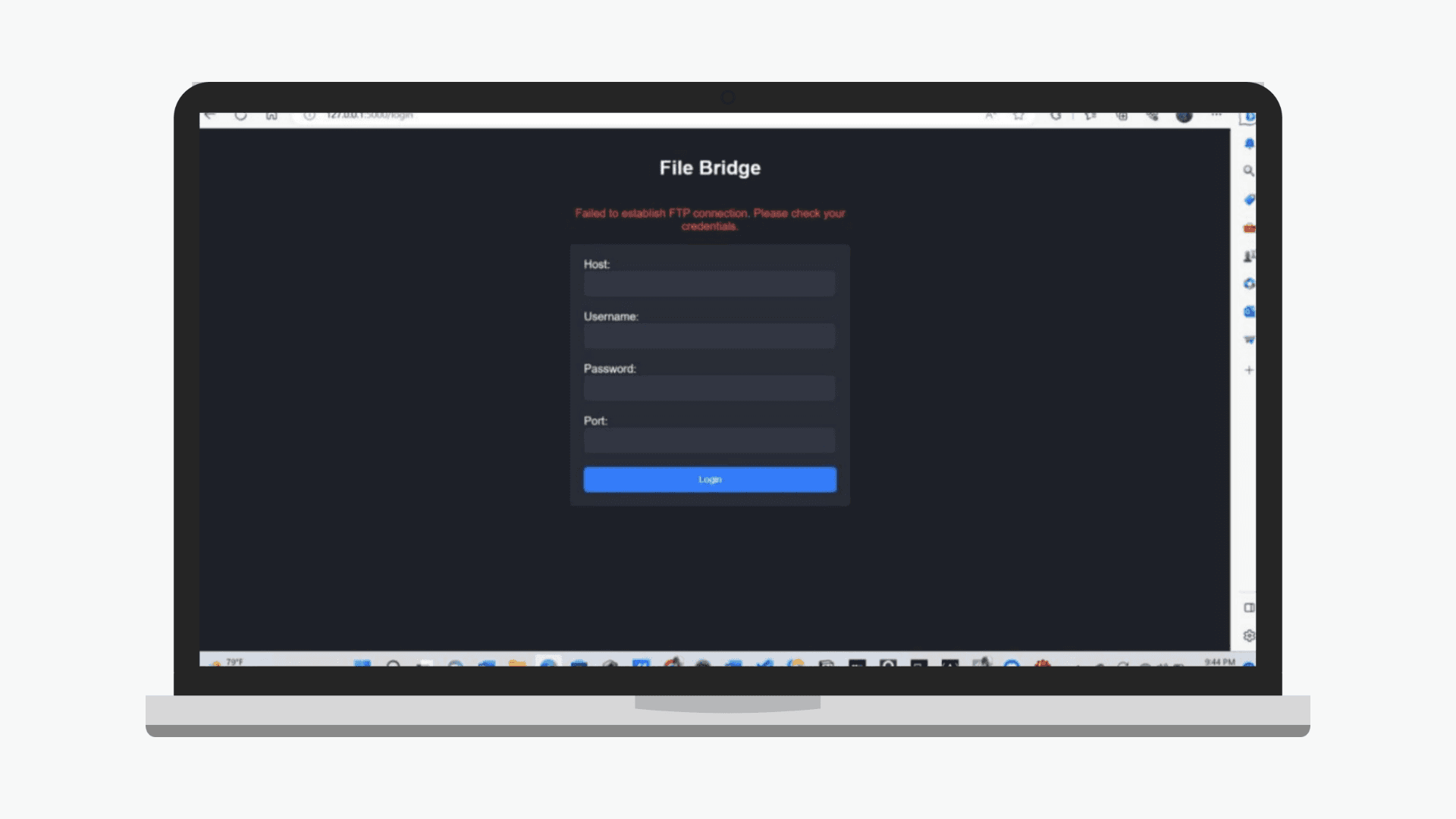
File Bridge
2022
Website
Technology :
HTML, Python, FileZilla
Core Features :
📤 File Upload via FTP
Users can upload files from the browser directly to a designated FTP server using a secure connection.
📥 File Download via FTP
Browse and download files from the FTP server directly to the local device.
🔒 Authentication System
Basic login system to restrict access to authorized users only (can be expanded with session-based auth).
📂 File Management Interface
Simple web UI for viewing uploaded/downloaded files, including file metadata such as size and timestamp.
⚙️ Python Flask Backend
Lightweight server-side logic powered by Flask for handling FTP operations and routing.
Outline
Many users—especially those without technical backgrounds—find FTP tools complex or non-intuitive. Desktop clients can be overwhelming, and managing file transfers often lacks a simple web-based alternative.
FileBridge is a Python Flask–based web application designed to make FTP file transfer accessible through a clean web interface. Users can easily upload and download files via a browser, without needing to install separate clients or navigate complex FTP commands.


